Synopsis
Many organisations using SAP assume that building a planning model requires extracting large volumes of data or investing in specialised tools. In practice, the challenge is far more basic.
A common question we hear from supply chain leaders is where to start. Which SAP data actually matters if the goal is to build a usable planning model, even a simple one in Excel. The answer is grounded in fundamentals rather than technology.
Supply chain planning revolves around demand, supply, inventory, and constraints. SAP already captures each of these through well-defined business objects. Sales orders, deliveries, purchase documents, planned orders, production orders, and master data together describe how the supply chain behaves and what it can realistically do.
This article explains how SAP represents these fundamentals, how to approach field selection without guesswork, and why SAP’s own documentation is often sufficient when used correctly. It also outlines practical options for data extraction, from early experimentation to more structured integration.
For teams evaluating planning approaches or questioning whether additional tools are truly required, this piece reframes the problem. Clarity on business questions and data meaning remains the foundation of effective planning.
Main Article
A question we often hear from supply chain leaders and technology teams is deceptively simple: “If we wanted to build our own planning model, even something basic in Excel, which SAP data should we actually use?”
It is a fair question. It is also one that is frequently answered by expensive consultants with far more complexity than required.
At its core, supply chain planning revolves around four fundamentals: demand, supply, inventory, and constraints. SAP already captures all four in a structured, consistent manner. You do not need to extract every table in the system to build insight. You need to understand which business objects matter and where SAP records them.
Customer demand is represented through sales orders and their schedule lines. Deliveries and goods movements show what was actually shipped and when material physically moved. Purchase requisitions and purchase orders capture how supply is requested and committed. Planned orders and production orders reflect how Material Requirements Planning, commonly called MRP, is thinking about future demand, timing, and capacity. Material masters, bills of material, work centres, and factory calendars define what can be produced, where, and under what constraints. Customer and vendor master data define who you are buying from and selling to.
If your planning model also needs to simulate value, cost, or margin, then data from costing and accounting becomes relevant. But the principle remains unchanged. Start with the business question. Then identify the data that answers it. Not the other way around.
We are often asked which fields within these tables are important. The answer is refreshingly straightforward. SAP already documents them. Opening a table definition in SE11, SAP’s data dictionary, shows every field, its description, and its business meaning. There is no hidden intelligence here. Only familiarity with the system.
Data extraction follows the same logic. For early experimentation, downloading data from SE16 into Excel is perfectly acceptable. When automation is required, there are multiple options, each suited to a different purpose.
- OData services are standard web interfaces that allow SAP data to be accessed in real time.
- CDS Views, or Core Data Services, are SAP-defined data models that sit directly on transactional data and preserve business meaning.
- BAPIs, short for Business Application Programming Interfaces, are SAP-provided functions that ensure data is read or written using SAP’s business logic.
- BODS, or SAP BusinessObjects Data Services, is a batch-oriented tool used for extracting, transforming, and loading data.
- RFCs, or Remote Function Calls, are SAP’s native mechanism for system-to-system communication.
Each of these has a role. None of them is magical. And none automatically recreates SAP’s internal object relationships unless designed properly.
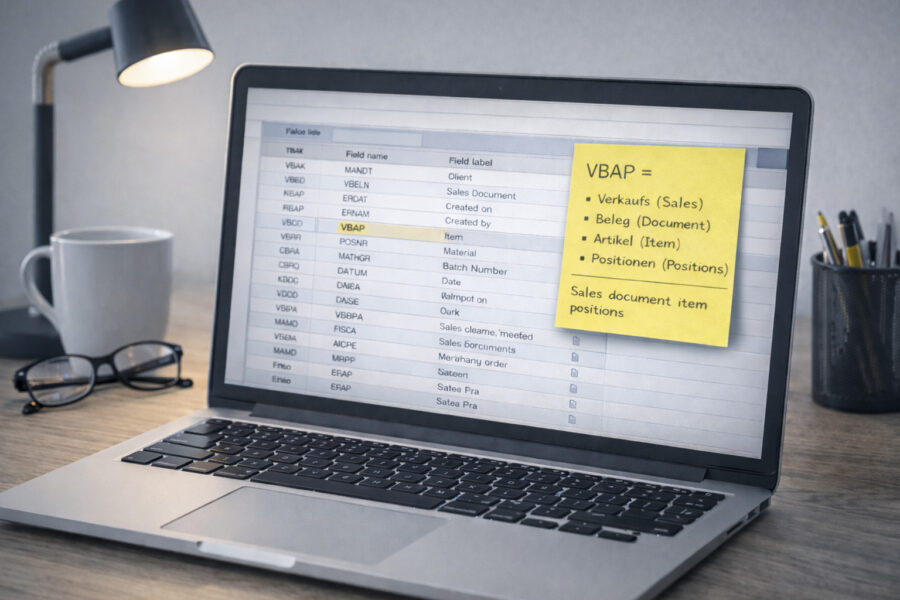
Finally, a word on table names. Many of them appear cryptic because they are German. Once you break them down, they are surprisingly literal. For example, VBAP is Verkaufsbelegpositionen, which is simply Verkaufs (Sales) Beleg (Document) Artikel (Item) Positionen (Positions). Once this clicks, SAP stops feeling obscure and starts feeling engineered.
The larger lesson is this. You do not need a black box or an expensive planning tool to understand your own supply chain. You need clarity on what your data represents and how it connects to real business decisions.
At Lydian, we help organisations make sense of what already exists inside their SAP systems before investing in additional complexity. If you are building, evaluating, or simplifying a planning approach and want to use SAP data more intelligently, you can start that conversation at lydiangbs.com.